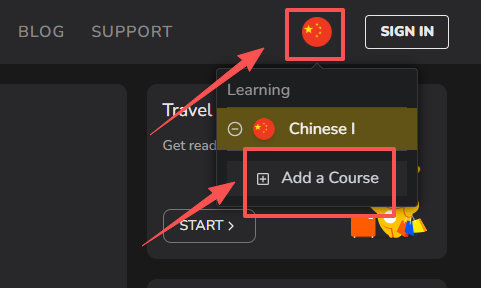
To start a new language course or to change between different courses, follow the instructions below
For the mobile app
Go to the “directory”.
You can do this in one of two ways:
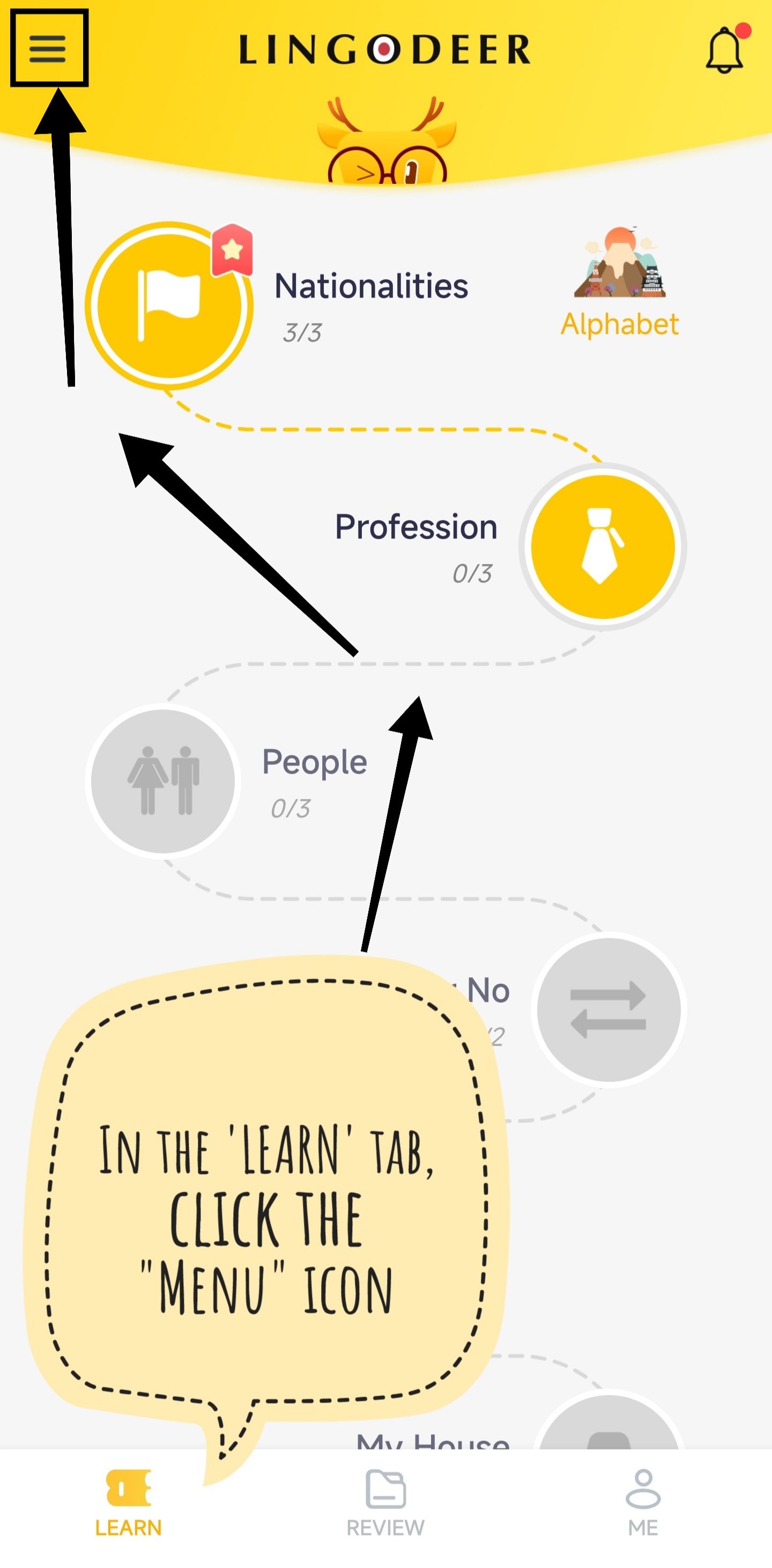
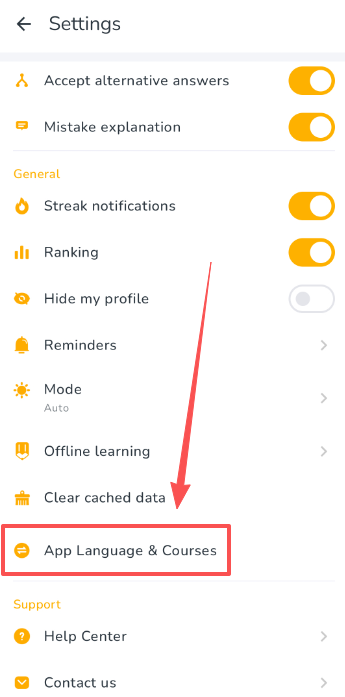
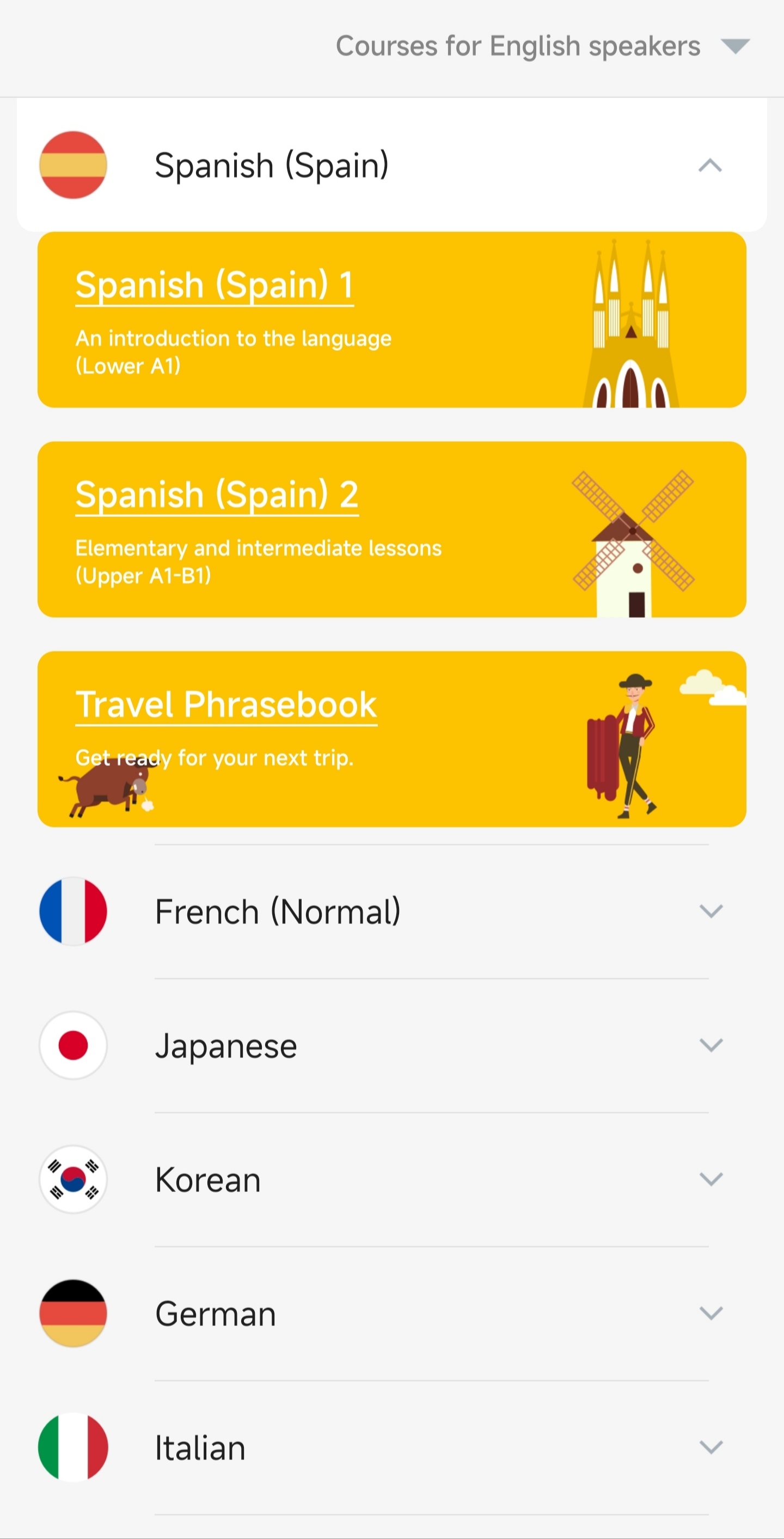
| either: go to the home screen of the ‘LEARN’ tab and click the ‘Menu’ icon at the top left hand corner | or: tap the gear icon in the upper-right corner of the 'ME' tab to open the 'Settings' page, then tap 'App Language & Courses' | Now you’re in the directory! Select the language you want to learn, and choose the level that’s suitable for you | |
 |  |
|  |